
Wedding Phone Booth & Audio Guest Book Hire
Capture the voices, laughter and memories from your guests — messages you can listen back to for years to come.
Our audio guest books allow guests to pick up a vintage telephone and leave personal messages throughout your wedding or event. From heartfelt advice to late-night laughter, every recording becomes part of a memory you’ll treasure forever.
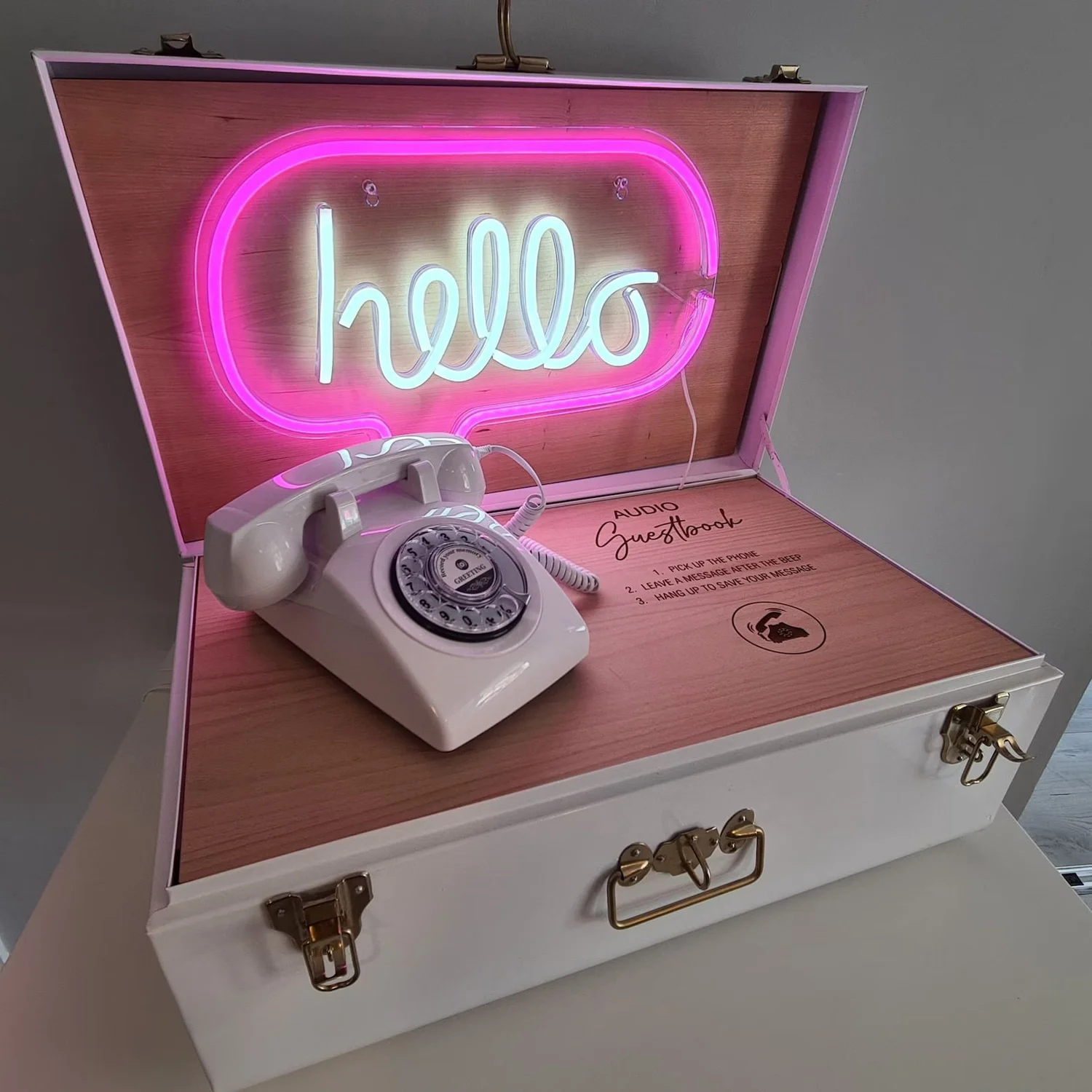
Audio guest books capture something photos can’t — the voices, laughter and personality of the people who shared your day.
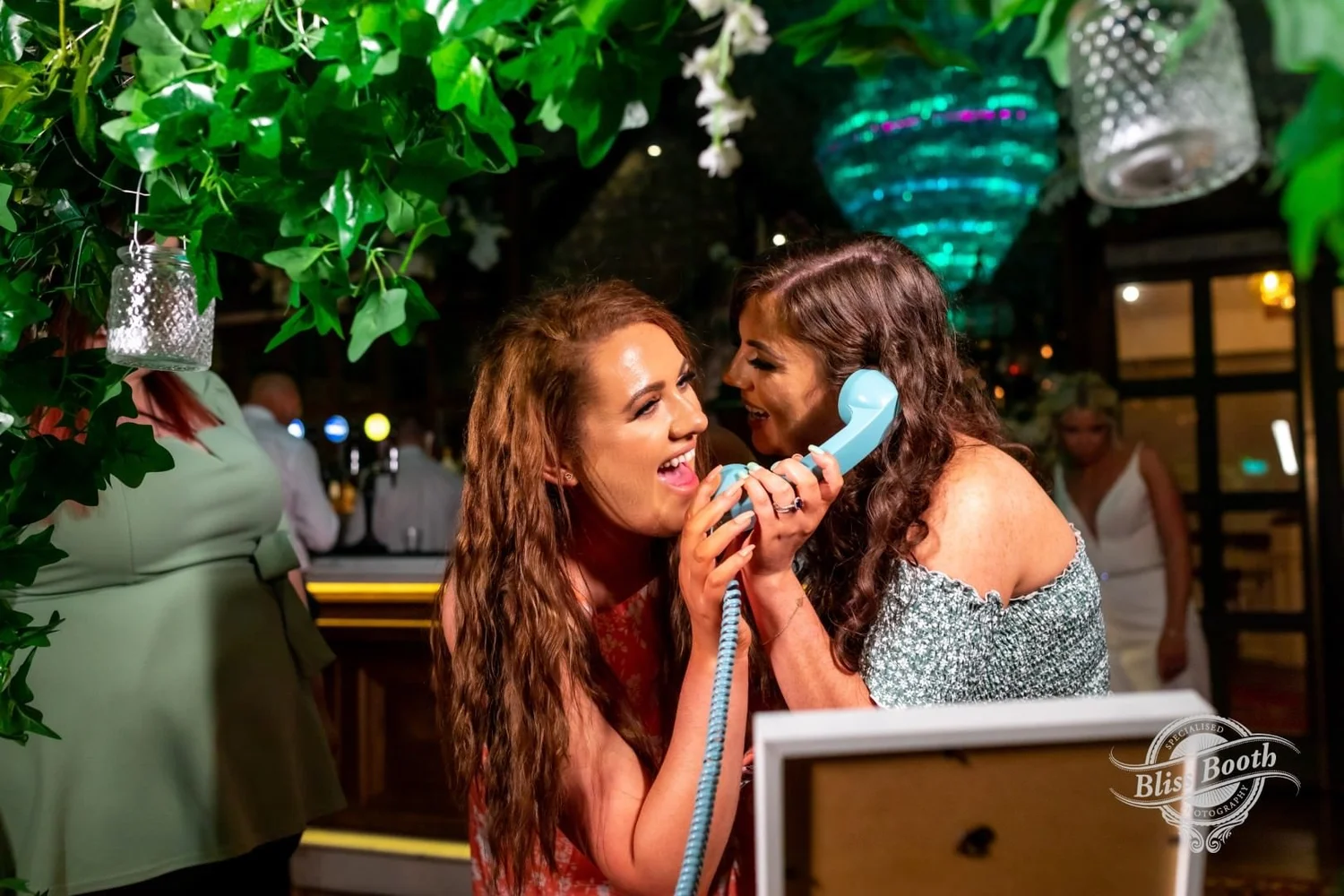
Guests simply pick up the vintage telephone and leave a message after the tone. Some share heartfelt advice, others tell stories or sing a song after a few drinks. It’s these real, unfiltered moments that make the recordings so special.
After your event, every message is saved and delivered to you so you can listen back and relive those memories for years to come.

How Does the Audio Guest Book Work?
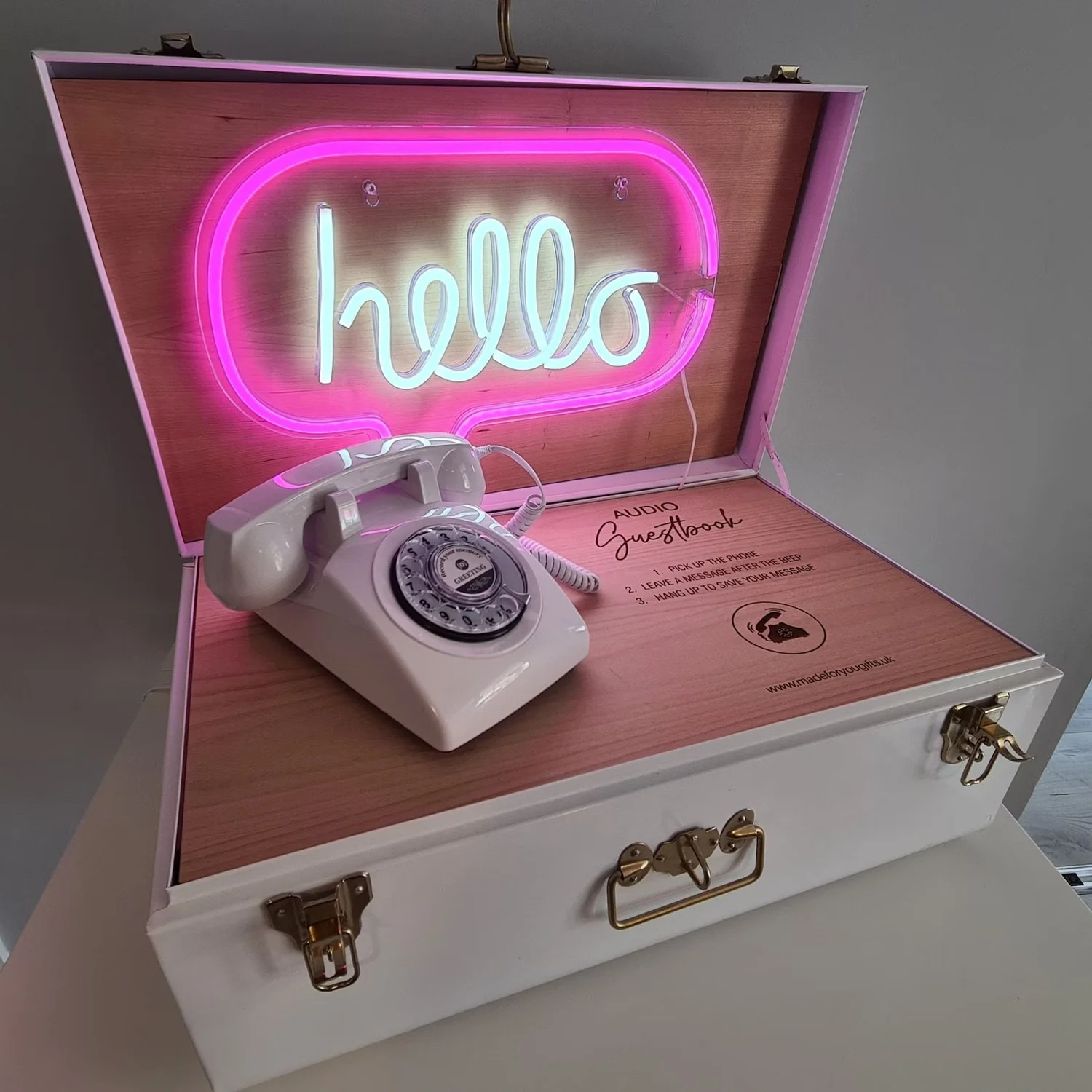
Guests pick up the telephone and hear your personalised greeting.
After the tone they leave a message, share a story, or offer some words of advice.
When they’re finished, they simply hang up and the next guest can leave their message.
After the event, all recordings are delivered to you as a keepsake.
Customise the Telephone Box Interior
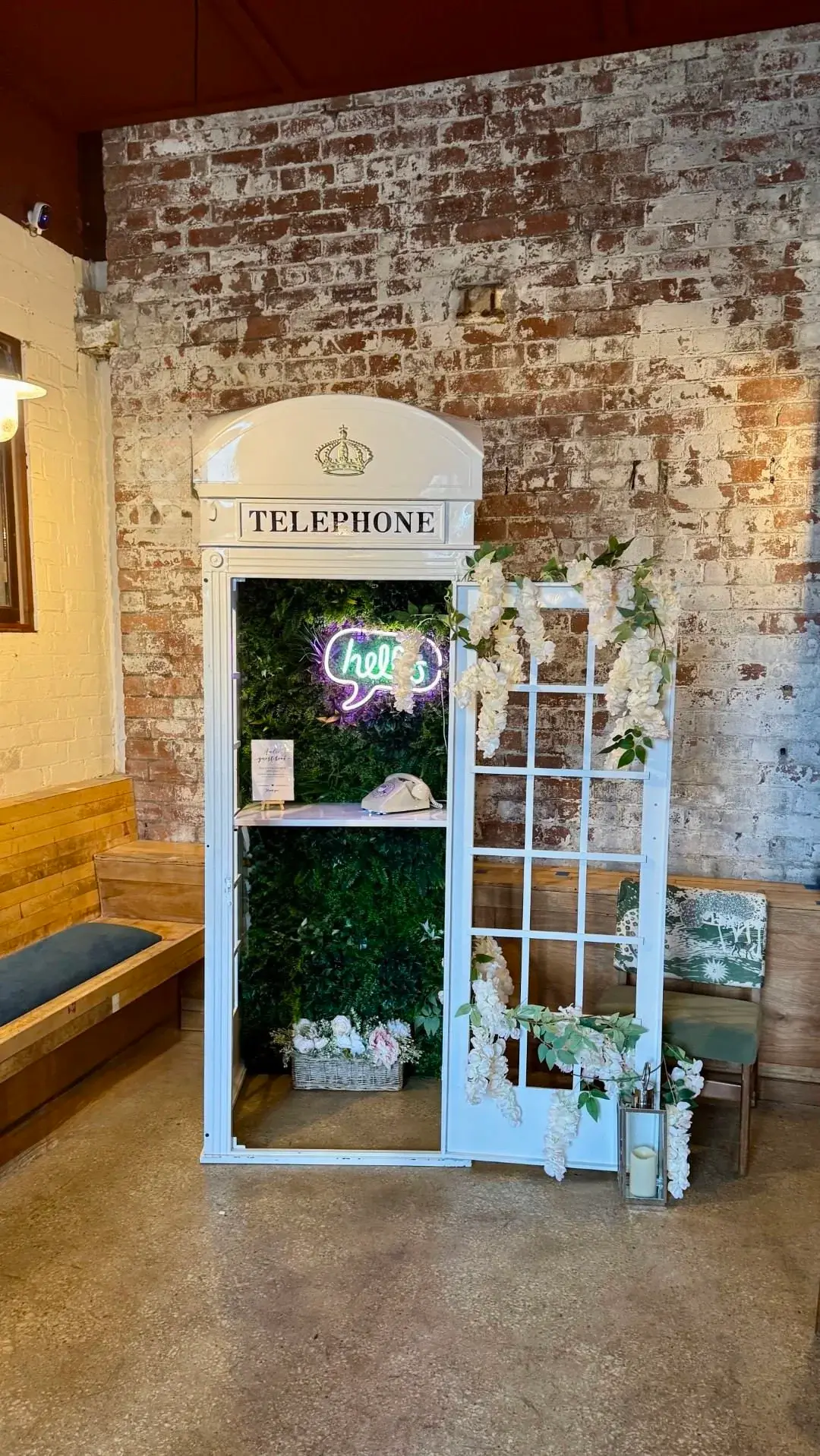
Our Telephone Box Audio Guest Book can be styled to suit your event.
The interior backdrop can be changed with decorative floral panels, allowing the setup to blend beautifully with your venue styling.
From soft pink hydrangea panels to elegant ivory florals, the backdrop can transform the telephone box into a stunning feature for your wedding or event.
As standard, the telephone box comes with greenery back panels. Prefer florals? Swap them for one of the panels below.



Choose Your Audio Guest Book Style
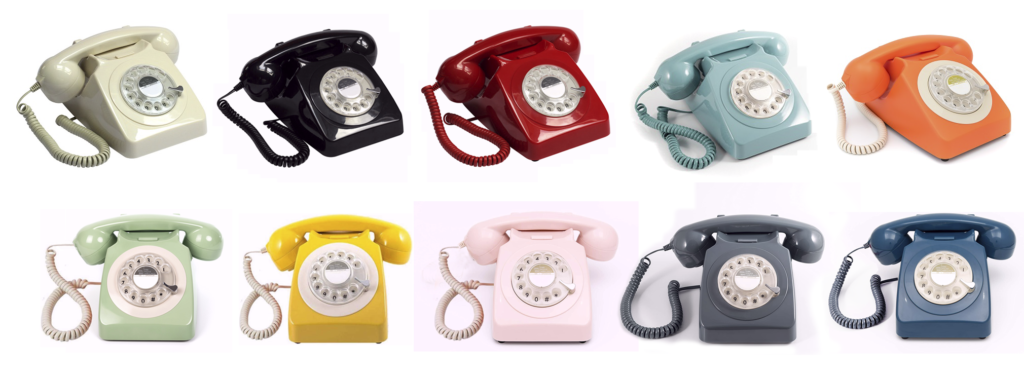
Our vintage telephones come in a range of colours so they can blend beautifully with your wedding or event décor.
From classic ivory and elegant black to soft pastels and bold statement colours, we’ll help you choose a phone that complements your venue and styling.
If you have a particular colour in mind, just let us know when enquiring and we’ll do our best to match it for your event.
Choose Your Audio Guest Book Setup
Our Telephone Box Audio Guest Book makes a stunning feature at any wedding or event, styled to match your day and set up for you by our team.
Vintage telephone, personalised greeting, styled interior and every message delivered to you after your event.
Check availabilityReviews
What our clients are saying


The Photo Booth exceeded all of our expectations — it was absolutely incredible! Amazing throughout the entire night; nothing was ever too much trouble, and everyone kept commenting on how brilliant it was. Thank you so much! We would recommend you to absolutely everyone!
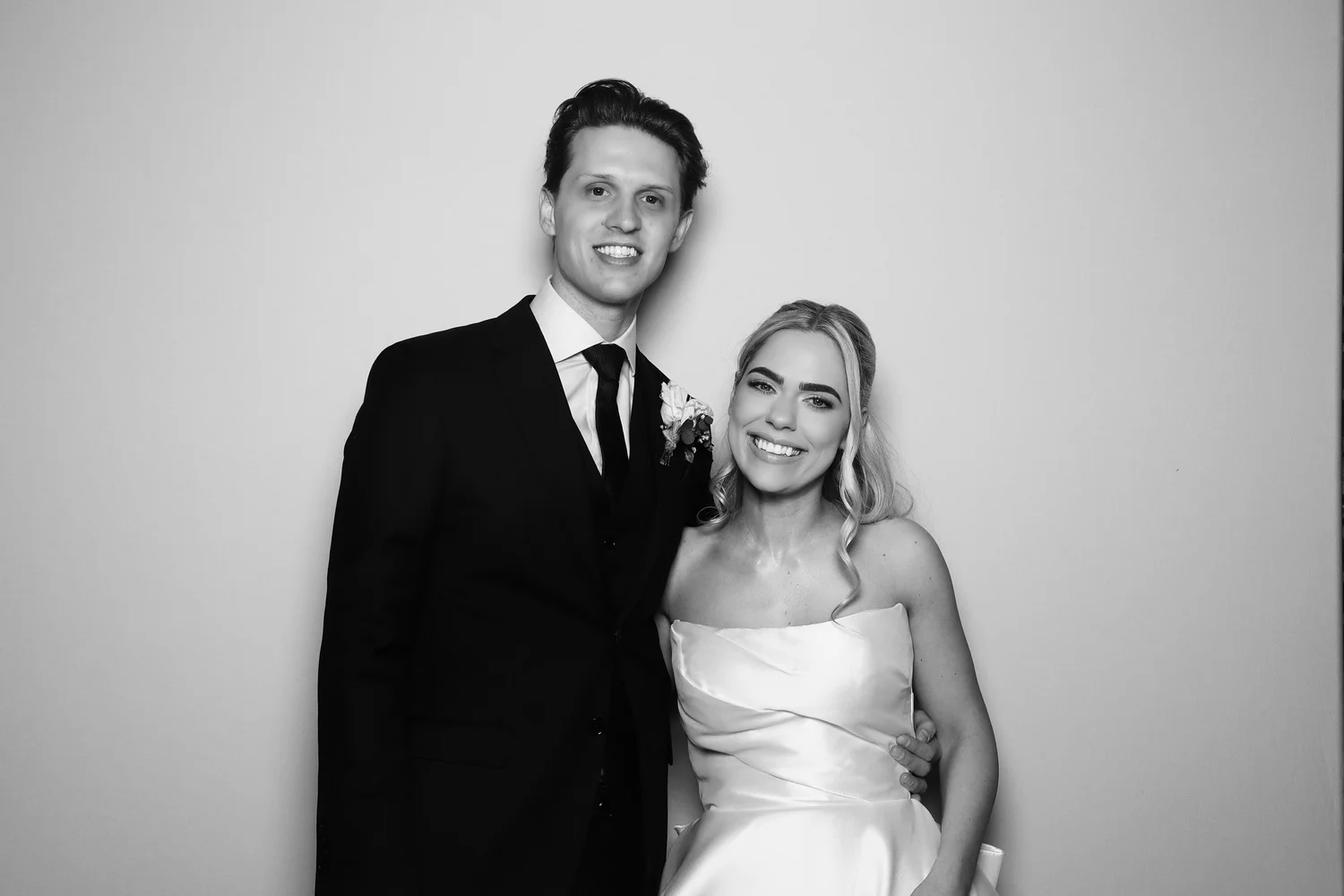
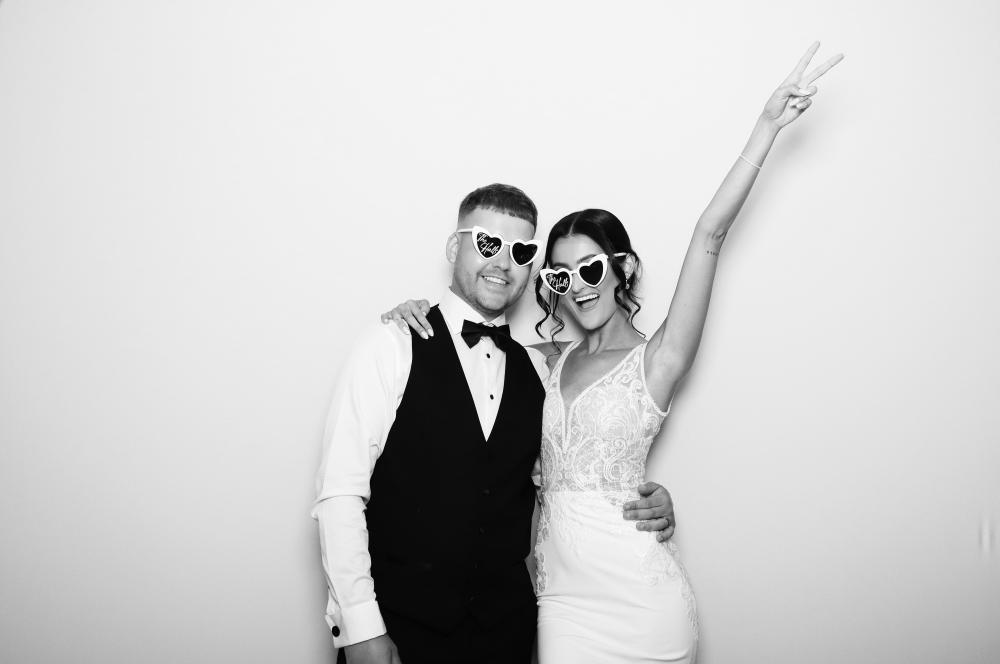
I hired Bliss Booth for my wedding day and they were amazing! There are so many options on backgrounds, and filters etc. I went with a white background and a black and white filter and they were exactly how I imagined them to be! Beautiful photos, and a lovely member of staff. Thank you so so much Bliss Booth!! Xx

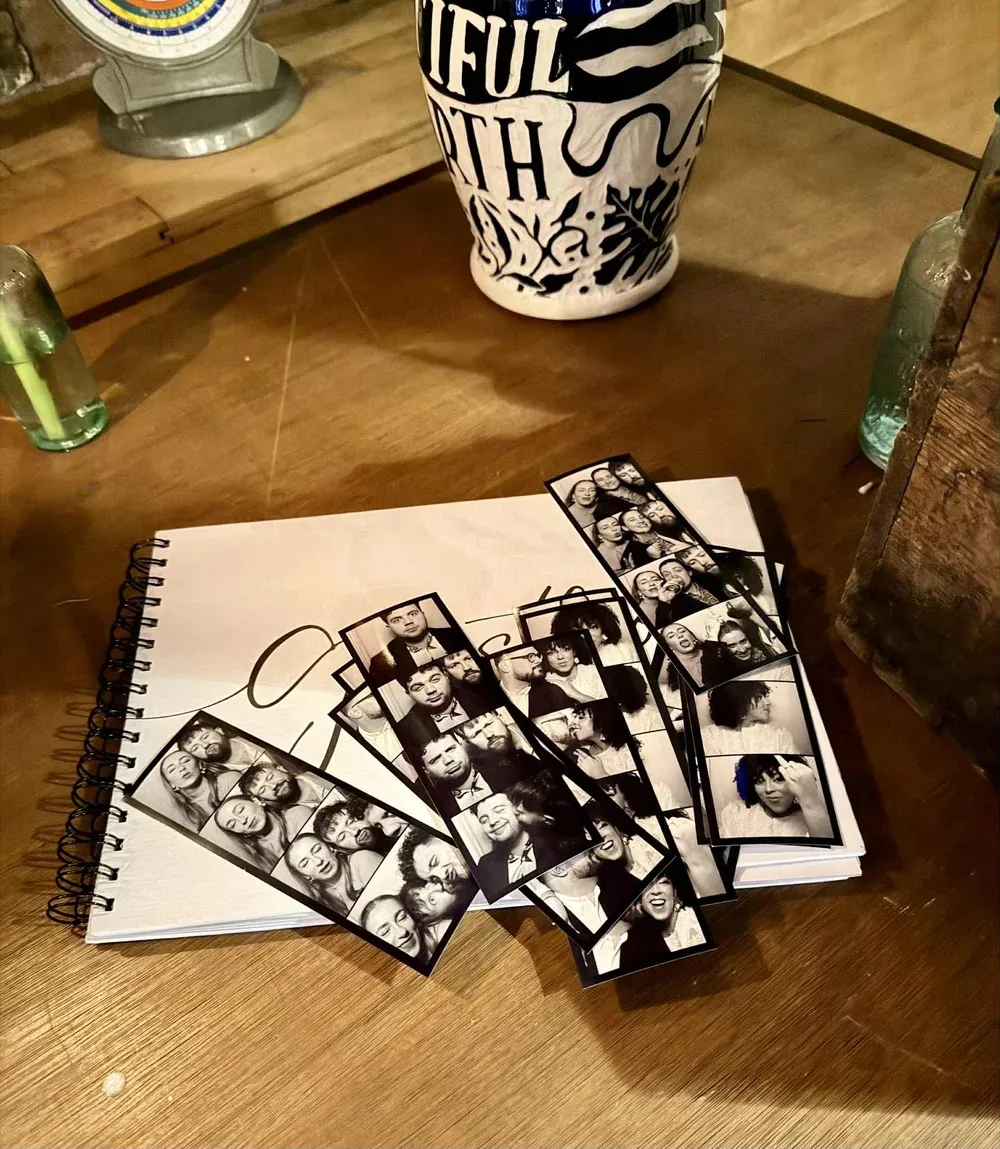
“The Photo Booth was a great addition to our wedding. Unlimited prints were loved by the guests and gave them something to take home from the day and the guest book was lovely for us to look back at after the wedding. The process was so smooth and easy and all done online at your convenience. Would for sure recommend.”

Thinking about an audio guest book?
Booking
How booking works.

.webp)